How Cornerpin works
Cornerpin shows the lots in a subdivision: which are available, what they cost, where they are, with photos and documents. You can ask the owner about a lot, save the ones you like and hear when they change. This tour uses Juniper Bench, a demo subdivision.
Finding a lot
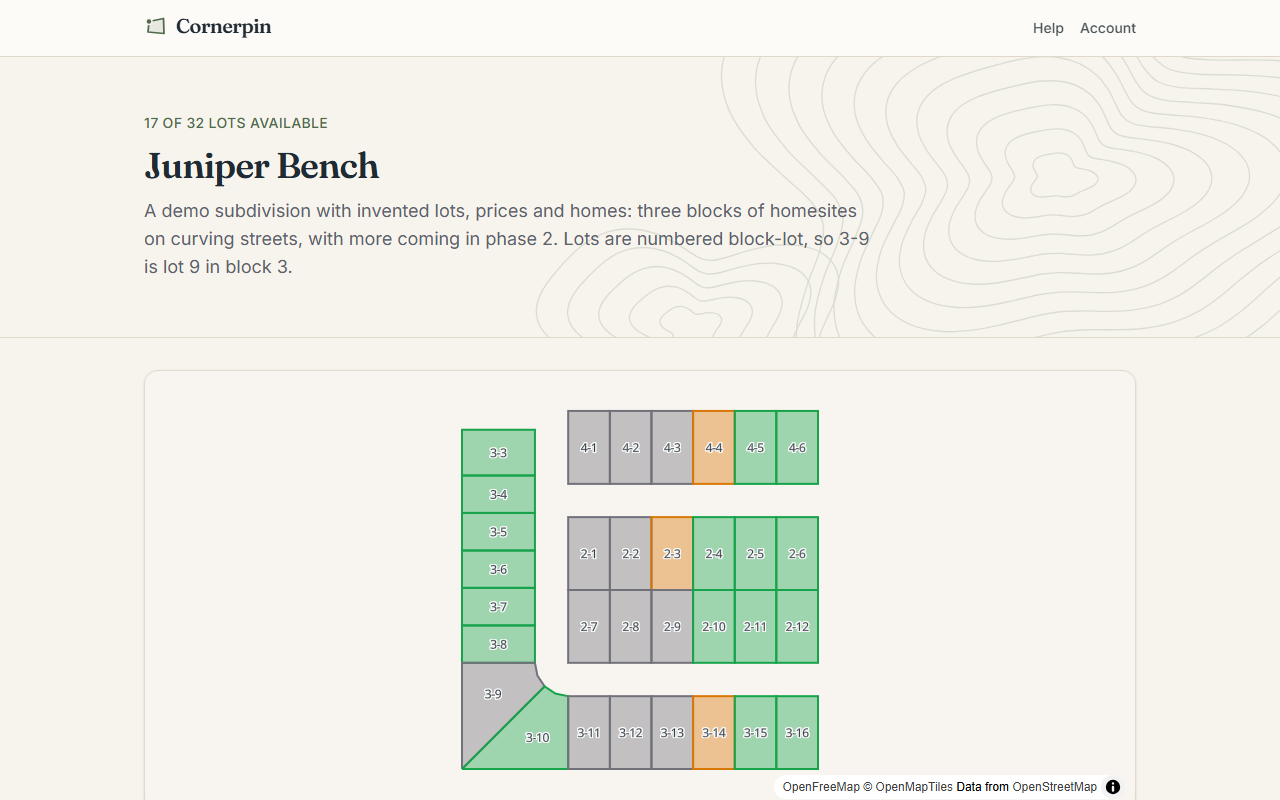
Each subdivision has its own page, usually reached from a sign on site or a shared link. The map colours every lot by status: green is available, orange is on hold, grey is sold. Tap a lot to open it.
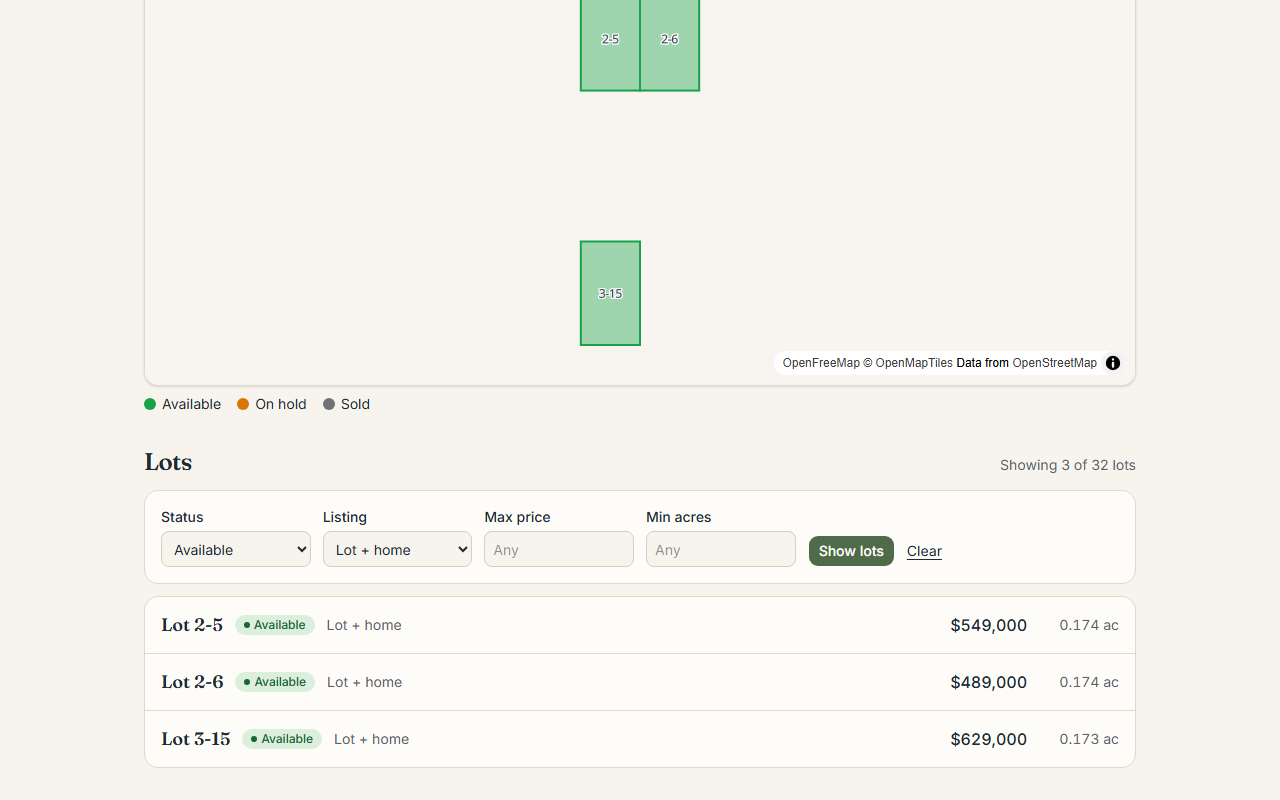
Under the map, every lot is listed. Narrow the list by status, land only or lot with a home, price and size; a filtered list has its own address, so you can share it.
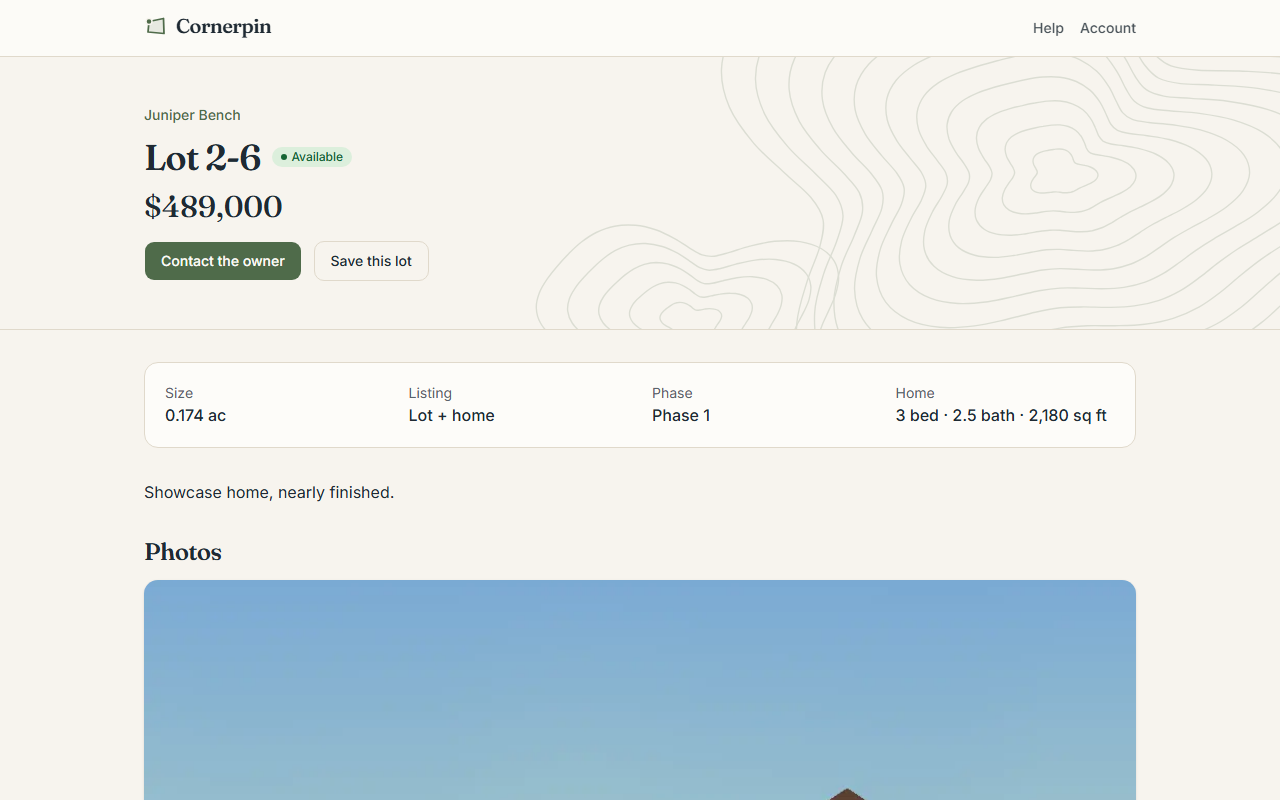
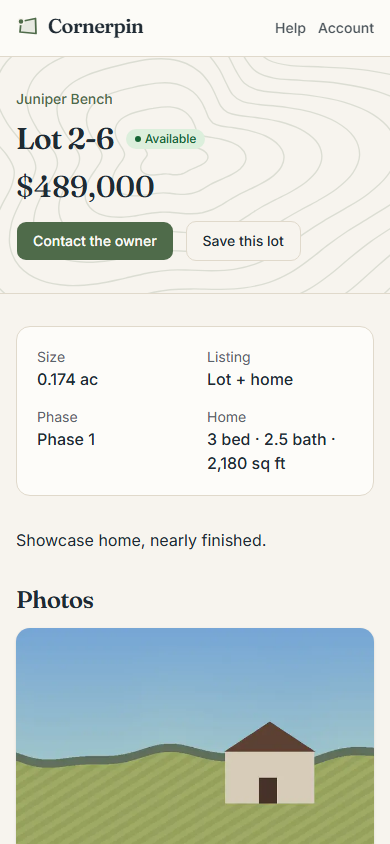
A lot's page has the price, status, size and home details, then photos, a map with directions, and documents such as the plat or covenants.
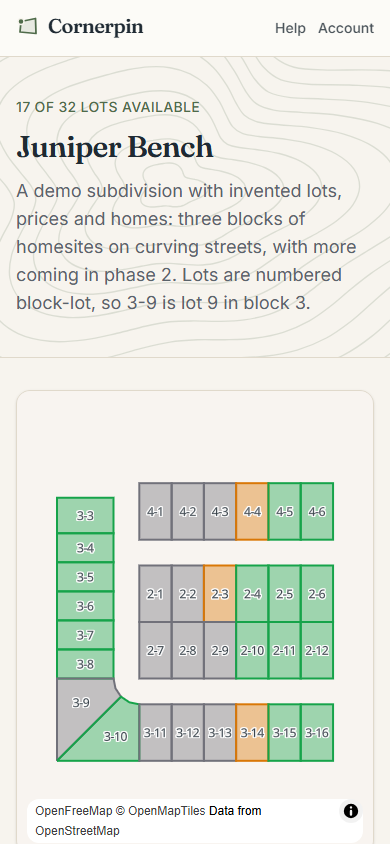
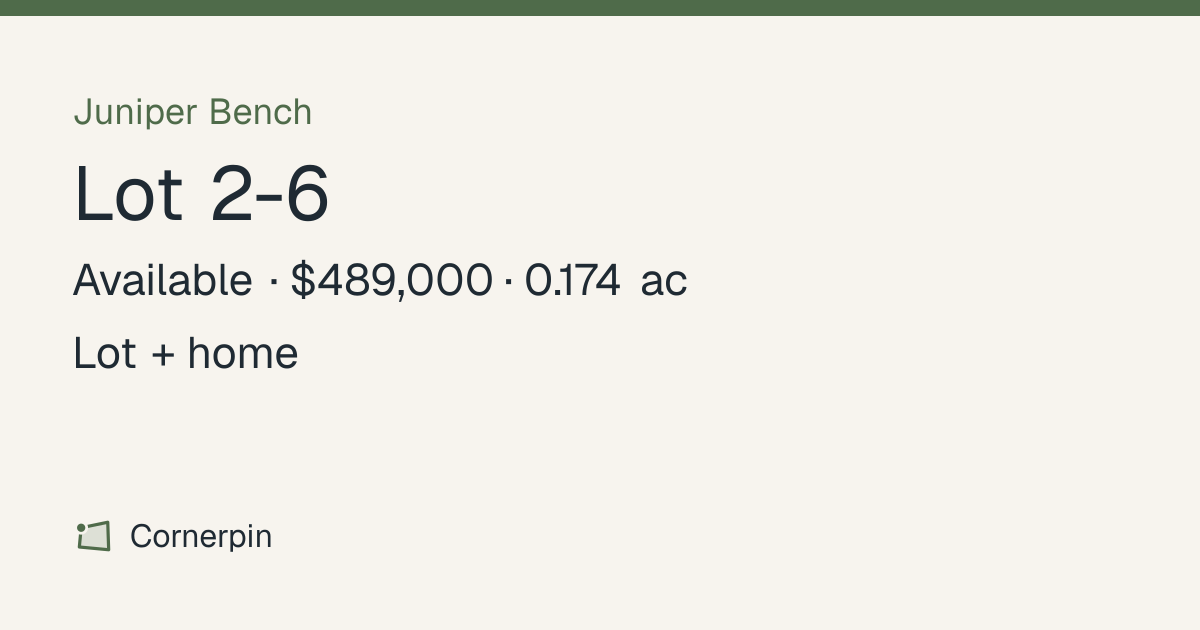
Sharing a lot's link by text or social media shows a preview card like this:
Asking the owner
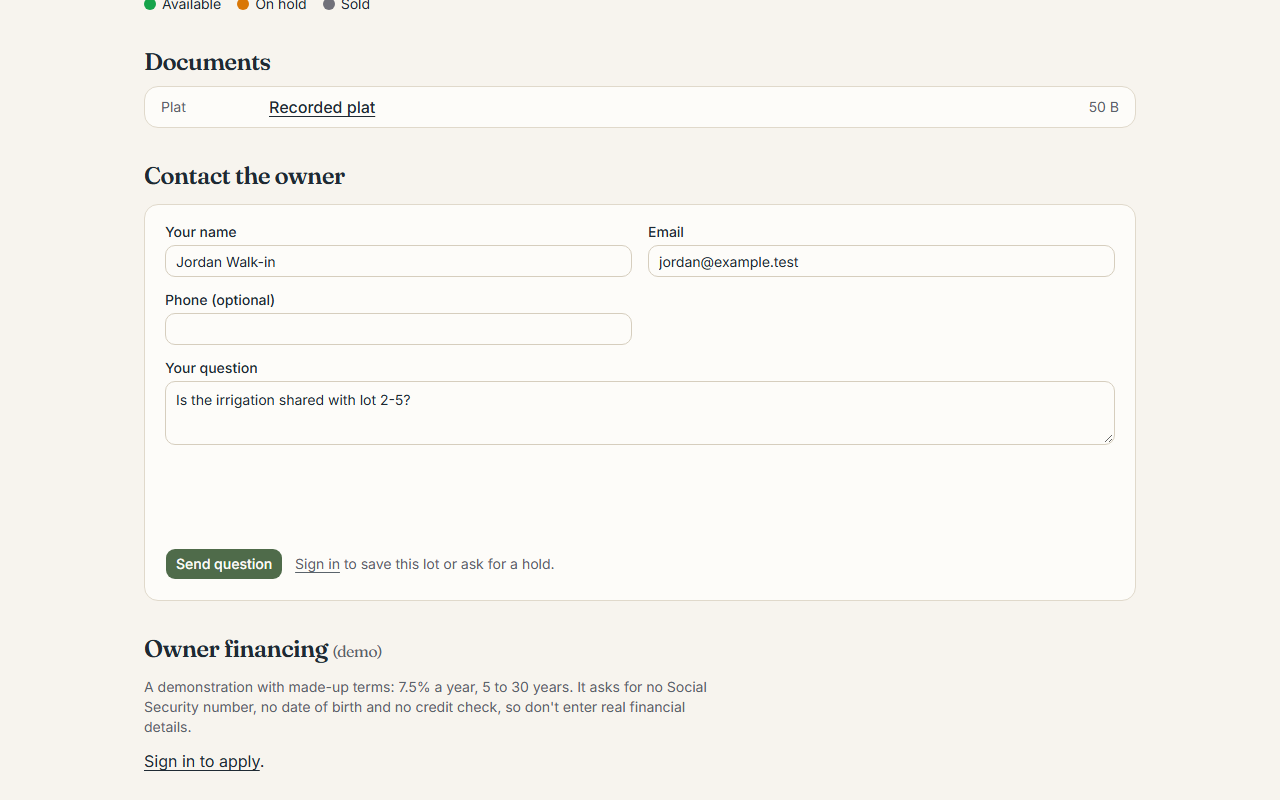
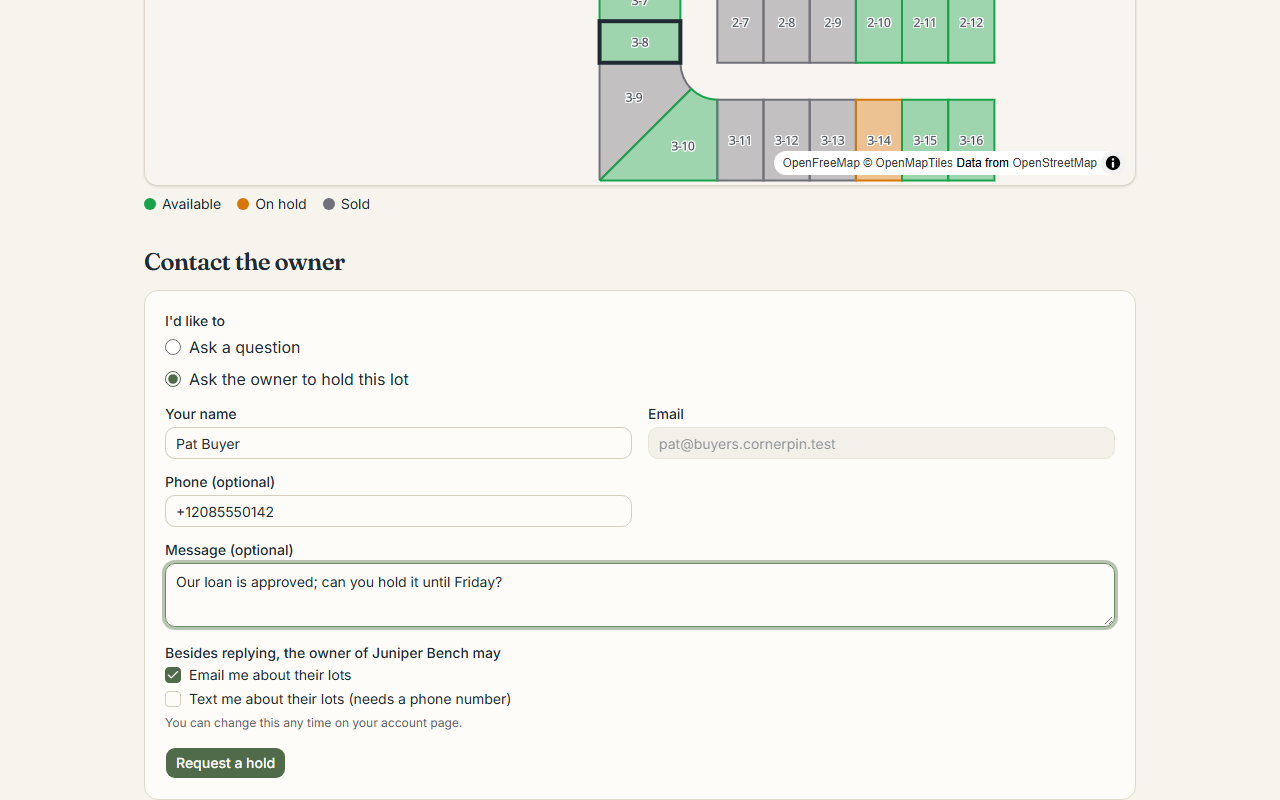
Every lot page ends with a form to contact the owner. Anyone can ask a question; the owner replies by email.
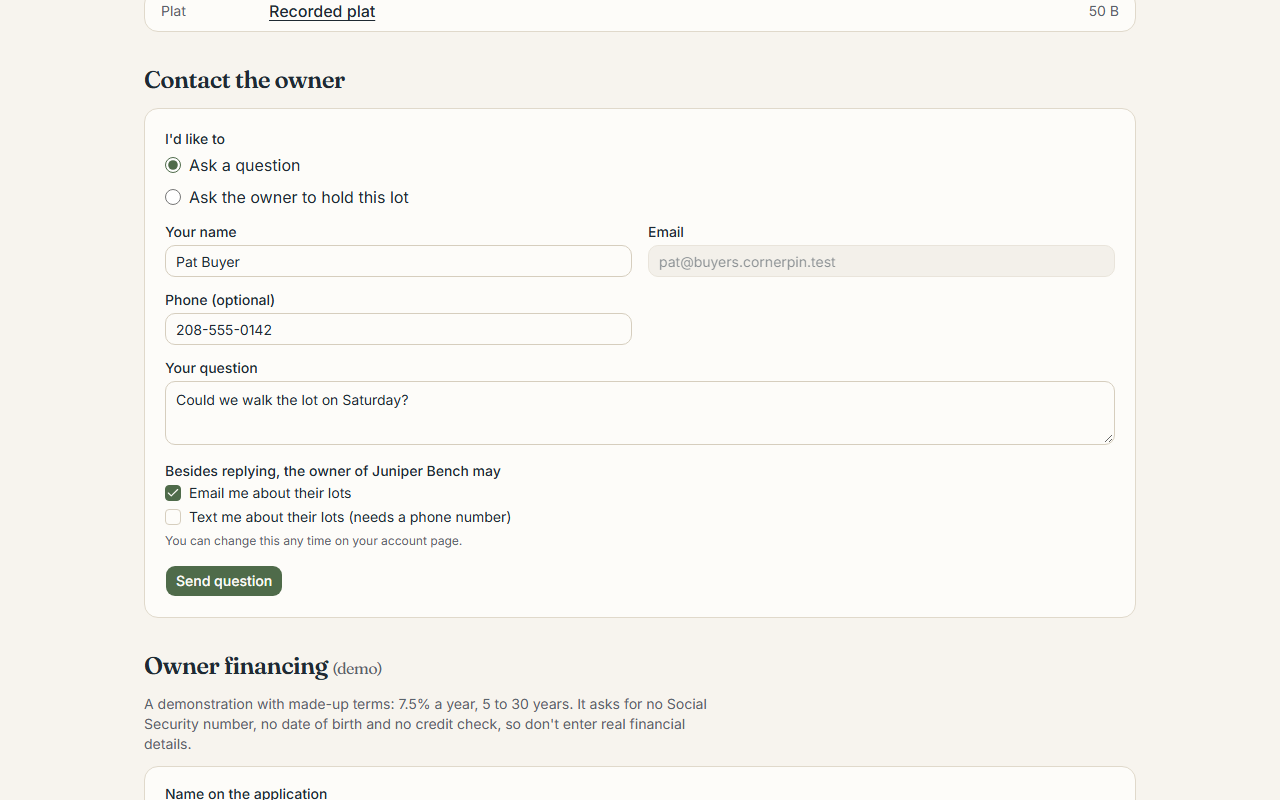
Signed in, you can also ask the owner to hold an available lot, and choose whether the owner may email or text you about their lots beyond replying. You can change that any time on your account page. No payment is taken online; the owner approves or declines a hold.
Your account
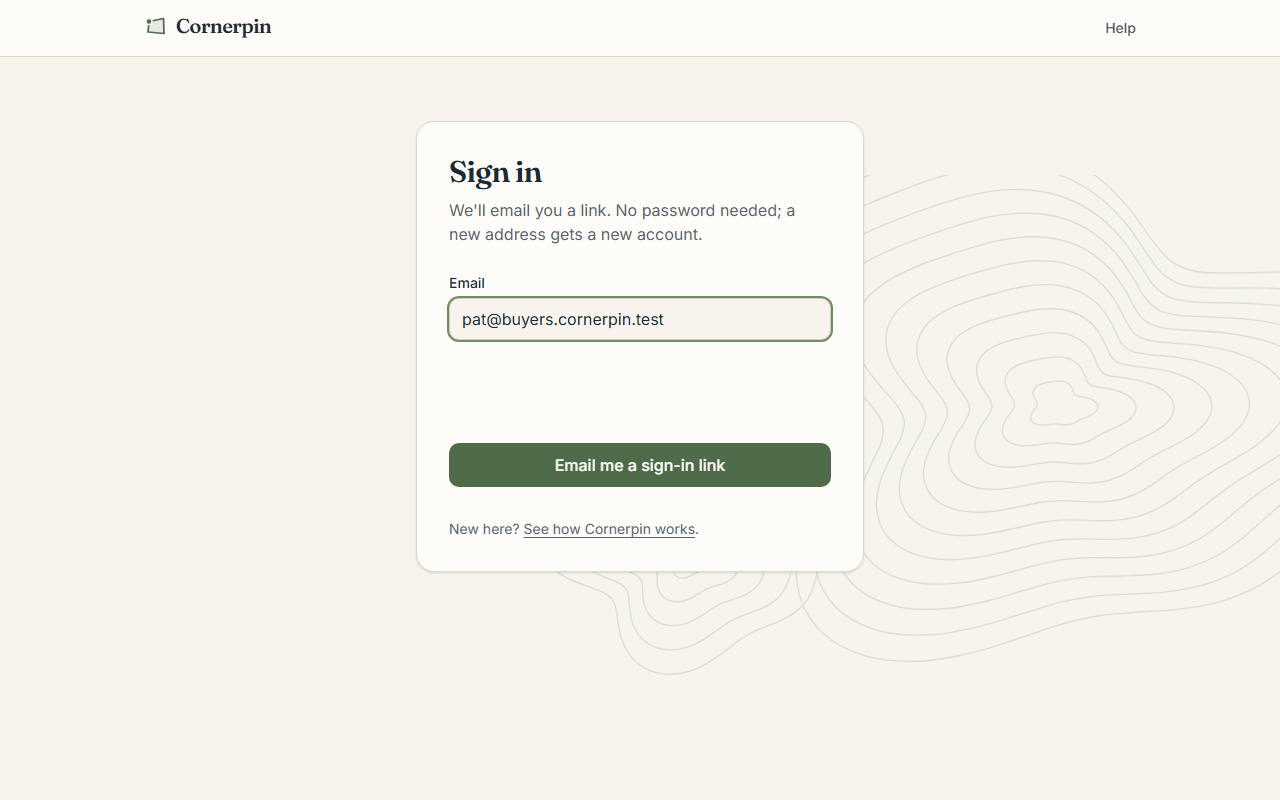
There's no password. Enter your email, and we send you a 6-digit code to type in; it works once, for 10 minutes. A new address gets a new account, so signing in is also signing up.
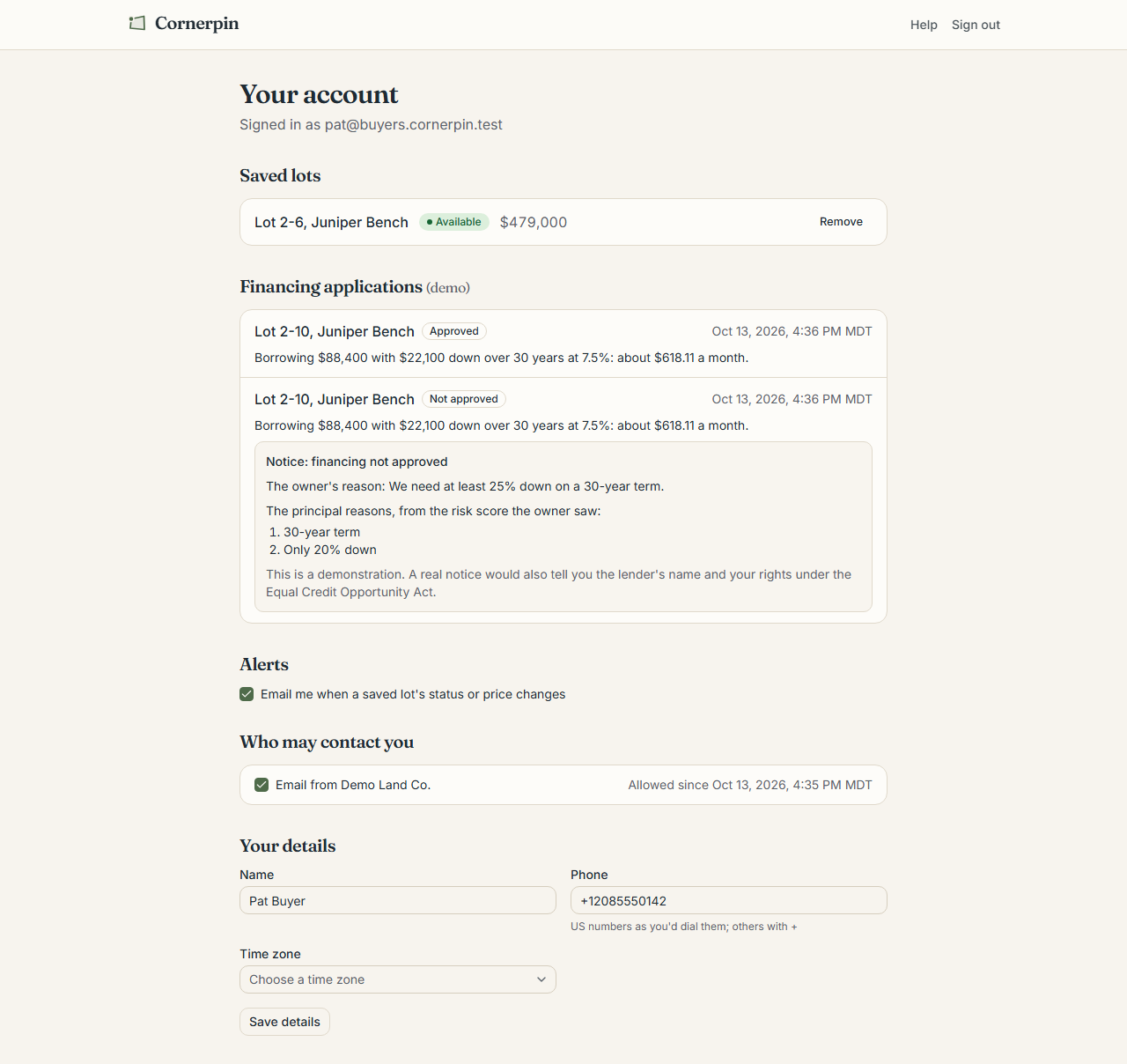
Save the lots you're interested in, and we'll email you when their price or status changes. Your account page lists them, along with who may contact you and your details.
Signs on the lots
Lots for sale can have a sign with a QR code. Scan it with your phone's camera to open the lot's page, with today's price and status.
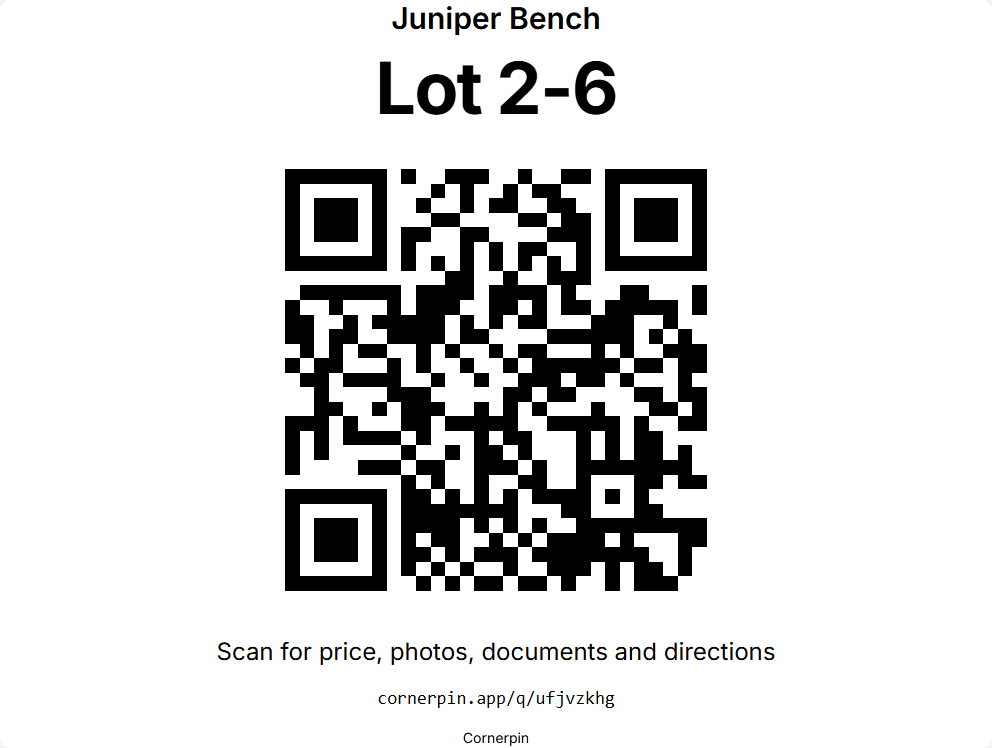
If a lot isn't listed at the moment, the code says so.
With a weak signal
Pages you've opened stay on your phone. Open a lot once and that lot, and the whole subdivision's list and map, still open with no signal. A question you send offline is kept and sent when you're back online.
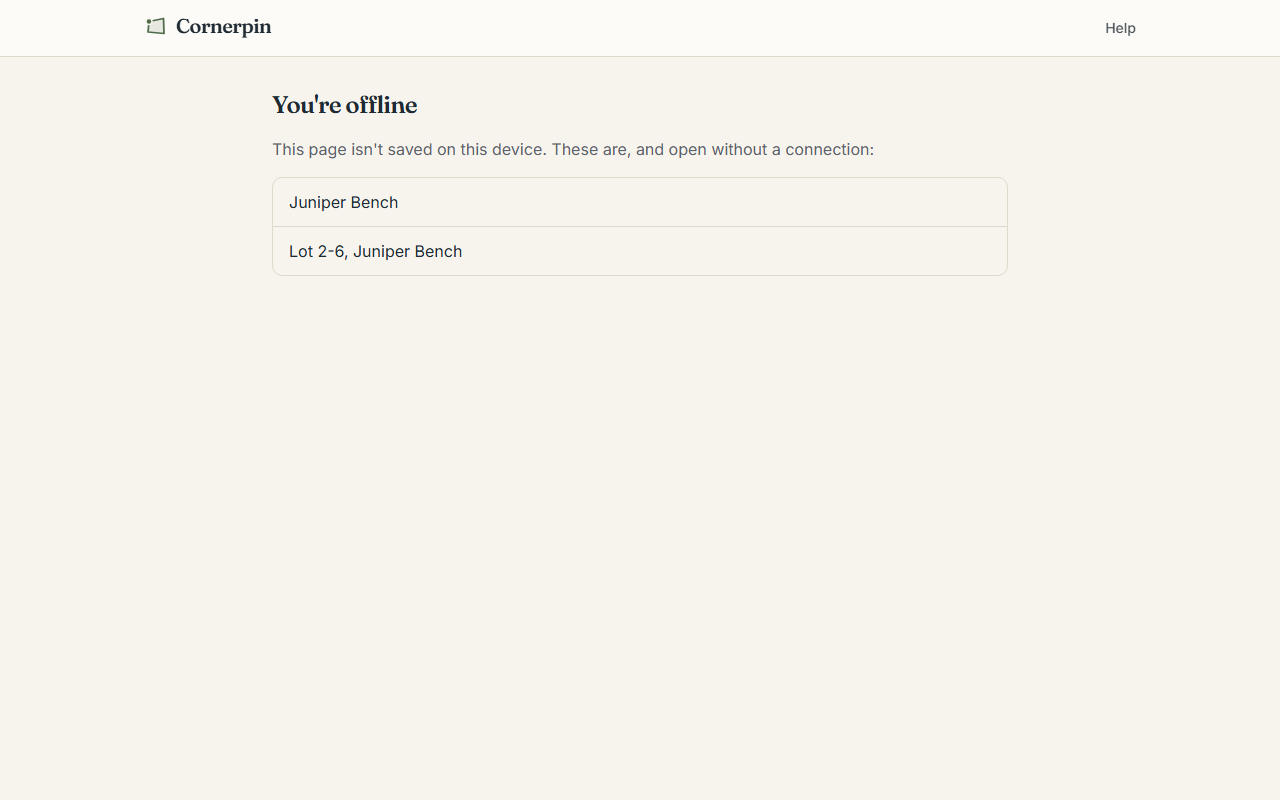
To keep a subdivision on your home screen: on an iPhone, tap Share, then Add to Home Screen; on Android, open the browser menu and choose Install app or Add to Home screen.
For owners
Owners and their staff run their subdivisions from the owner portal. Owner accounts are set up for you; sign in with the email address you were given.
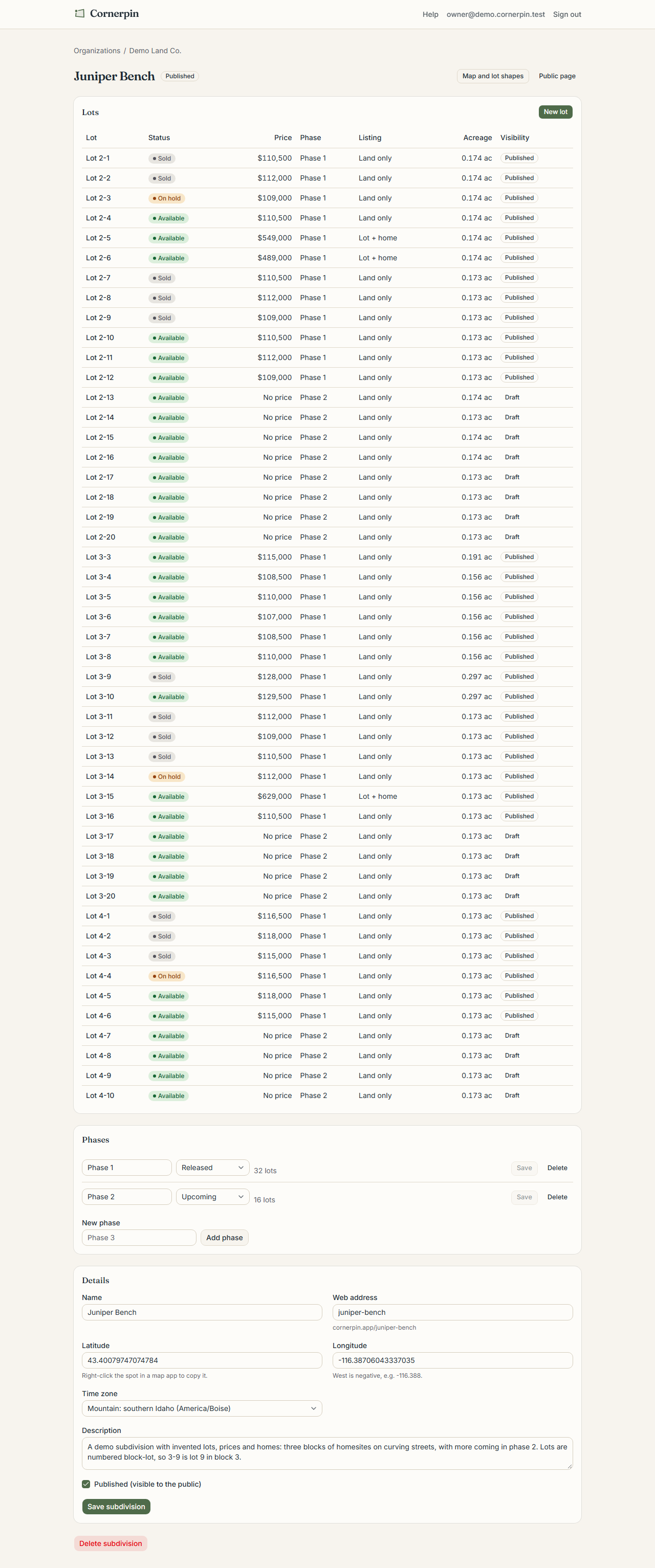
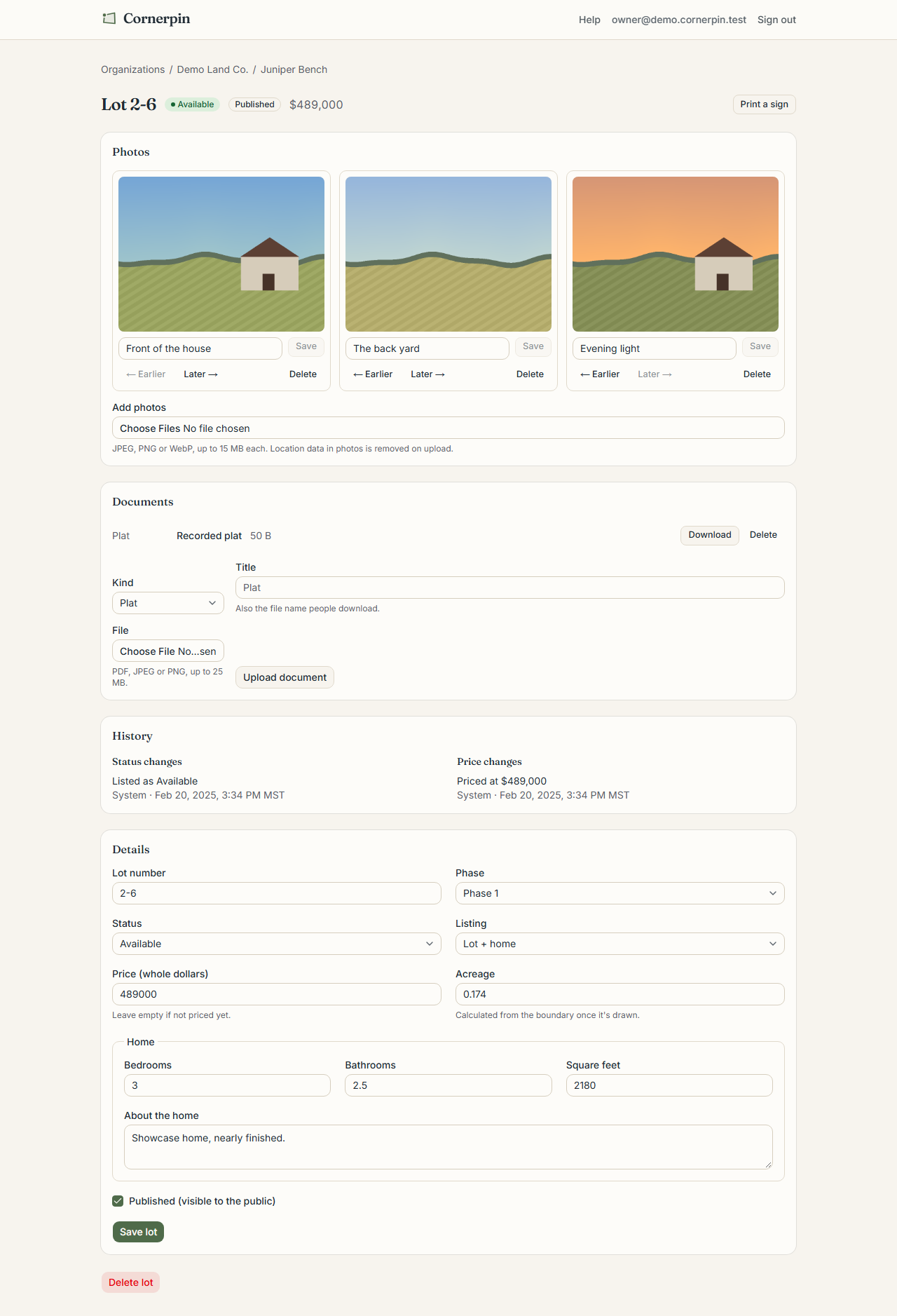
Add lots, set prices and status, and publish them when they're ready. Every price and status change is kept with who made it and when. Upload photos and documents, and print a sign for any lot.
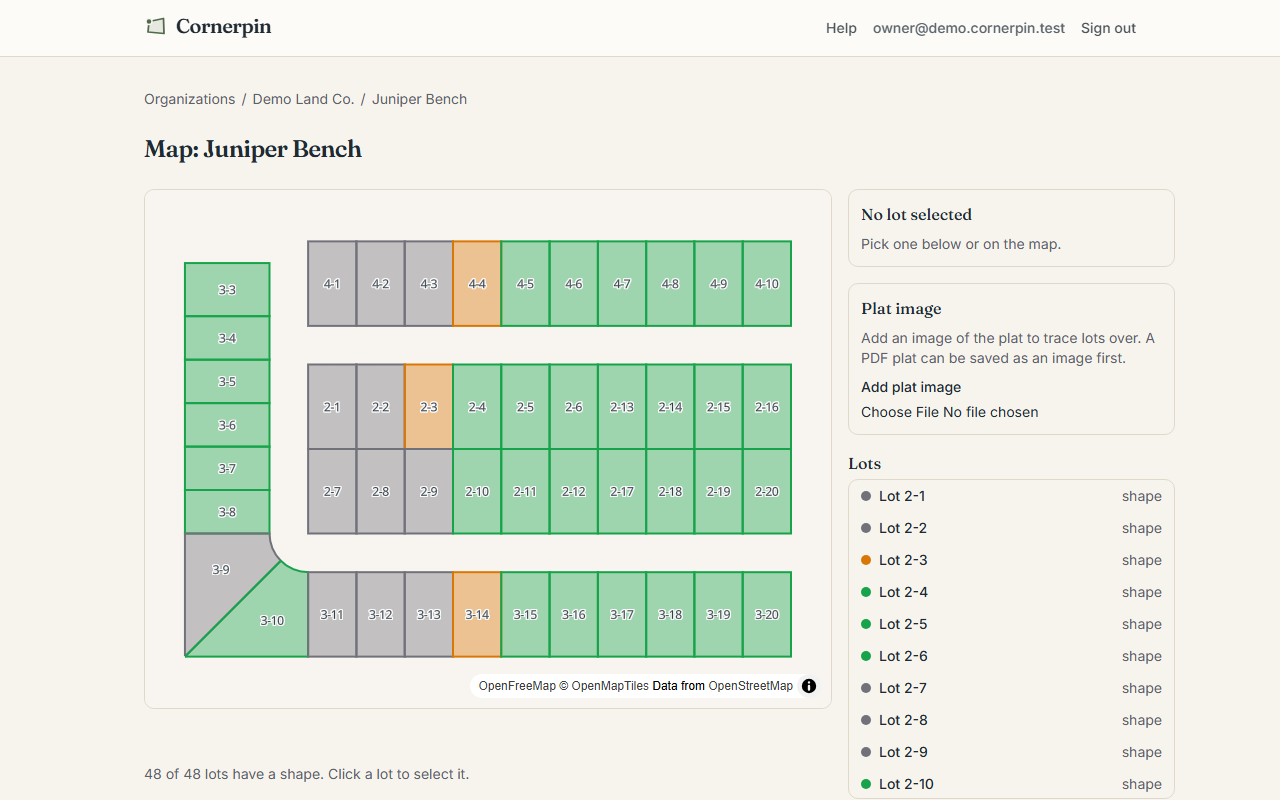
Draw each lot's shape on the map, or lay a scan of the plat over it and trace the lots. Acreage follows the shape.
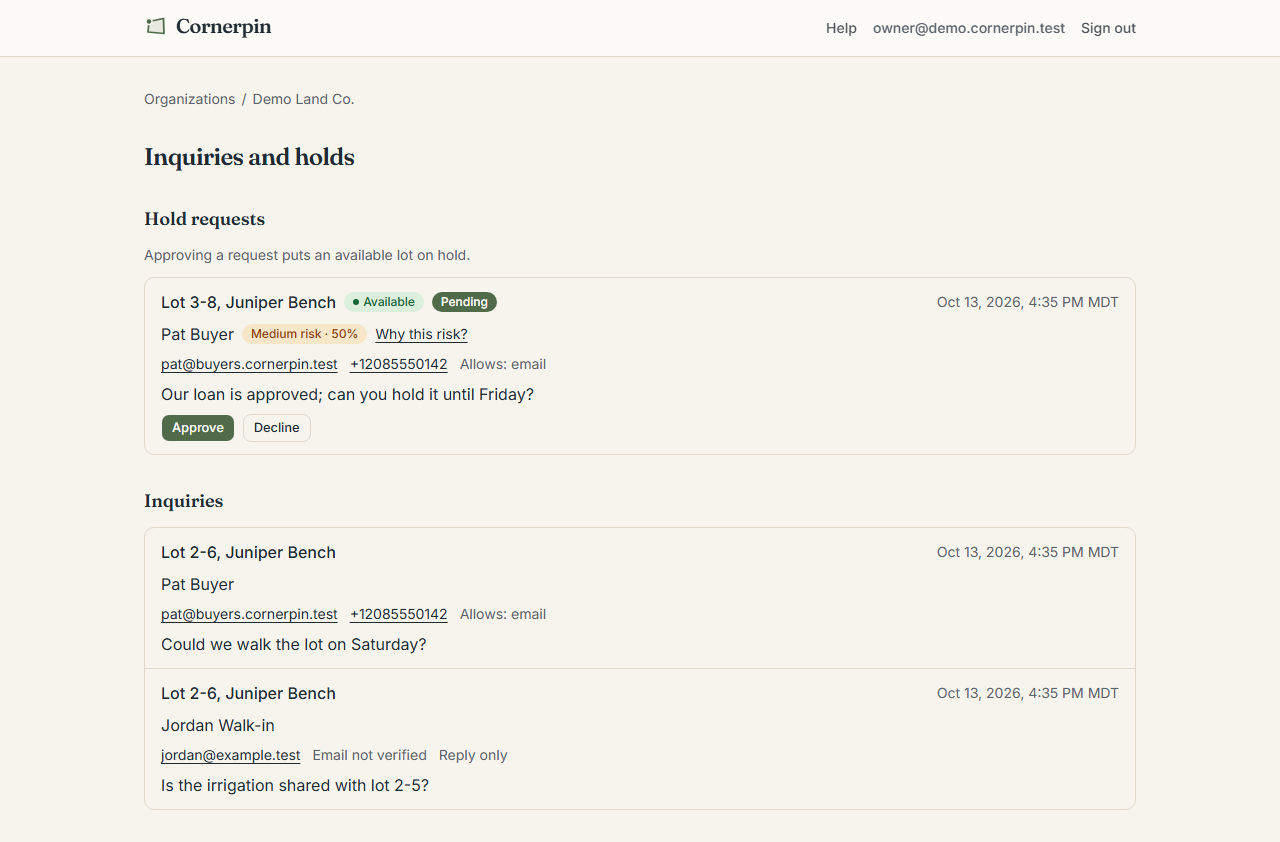
Questions and hold requests arrive by email and wait in Inquiries and holds. Approving a hold puts the lot on hold, and everyone who saved it hears about it.
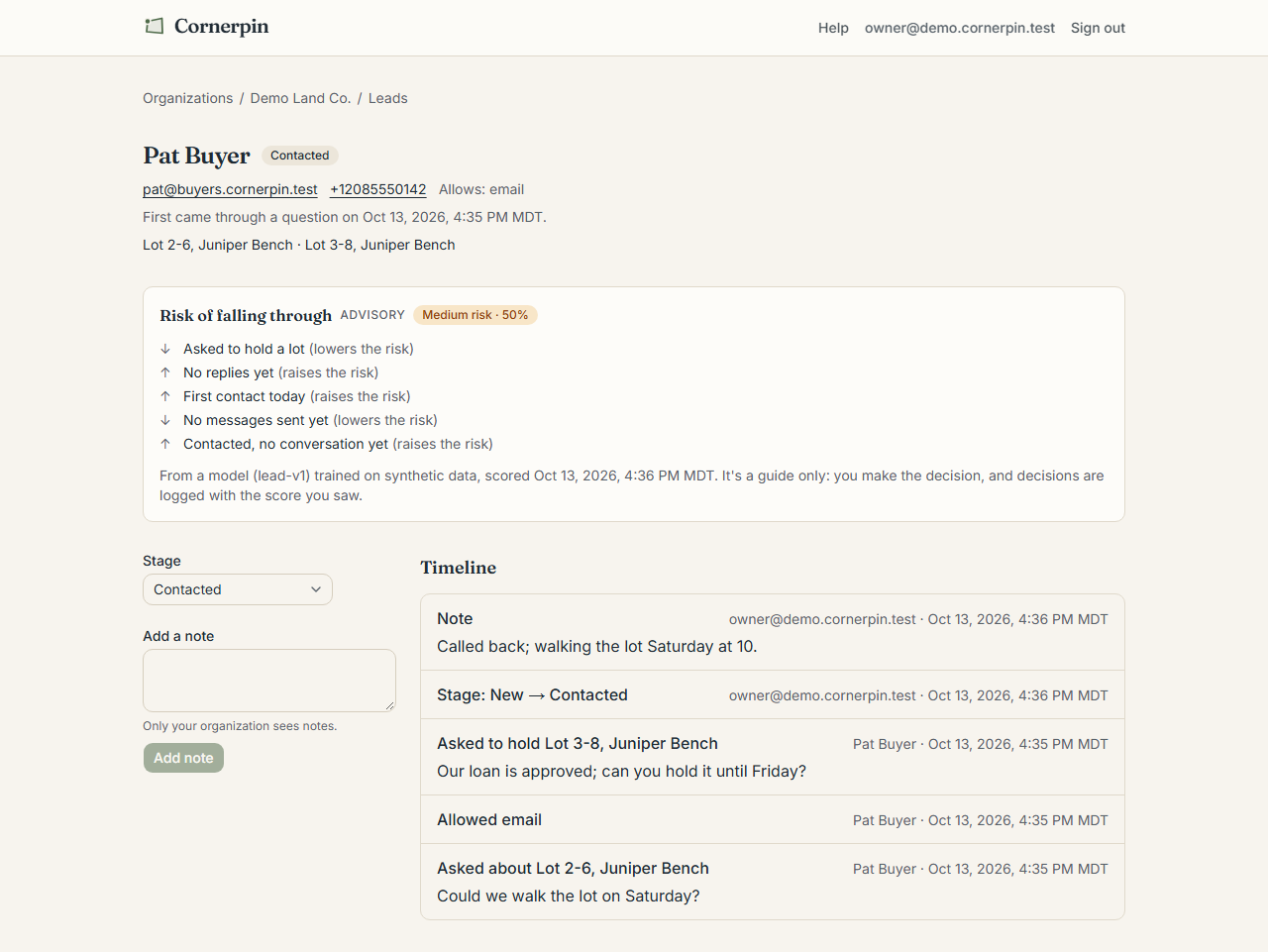
Leads gathers each person into one place: every question, hold request and contact permission, with a stage you set and notes only your organization sees.
Each lead and hold request also shows a risk that it falls through, with the reasons behind it, such as “no reply to two messages” or “asked for a hold”. It's advice, not a decision. It looks only at what the person did, never who they are, and the model behind it was trained on made-up history. When you approve or decline a hold, or mark a lead won or lost, the timeline records what you decided and the risk you saw.
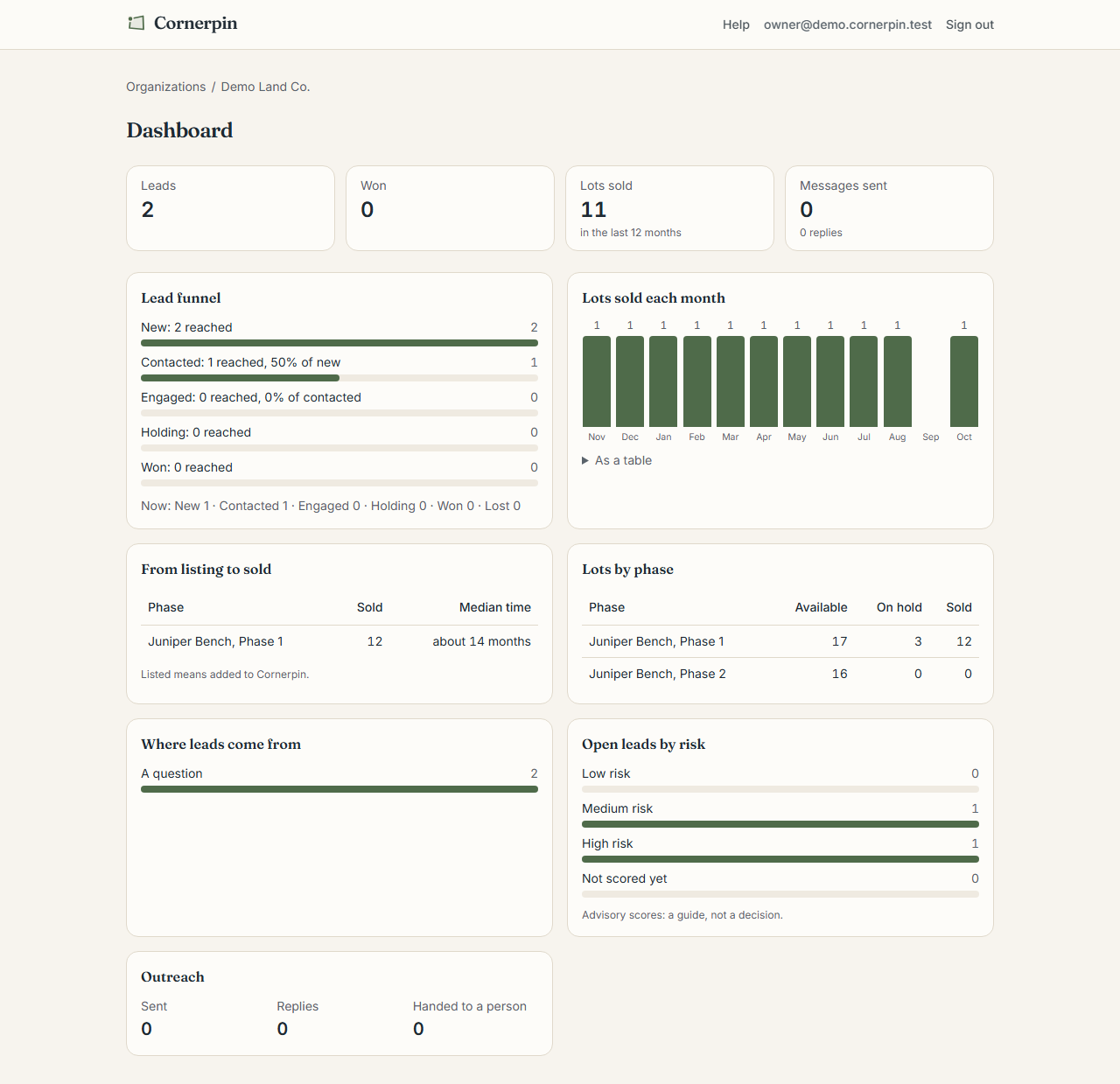
The dashboard sums it up: leads at each stage and how many move on, lots sold each month and how long they took from listing, lots by phase and status, where leads come from, the assistant's emails, and open leads by risk. Every chart has the same figures as a table.
When a buyer lets you email them, Cornerpin's assistant can follow up for you. It quotes only what your listings say, passes anything else to you (financing, offers, visits), and stops when they ask it to. Their replies land on the lead's timeline, and so does everything the assistant looked up or sent.
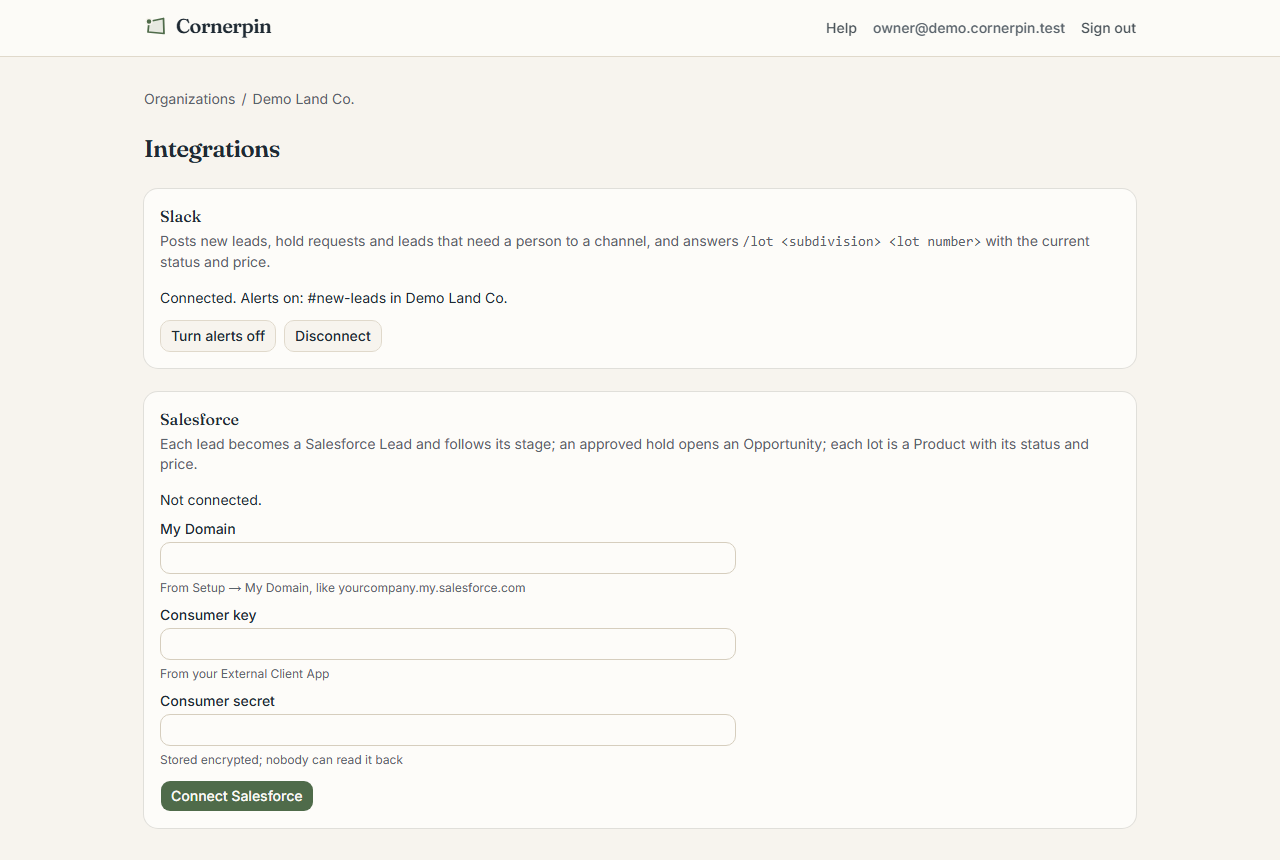
Integrations sends new leads, hold requests and anything that needs you to a Slack channel, answers /lot in Slack, and keeps Salesforce in step with your leads, holds and lots.
Owner financing (demo)
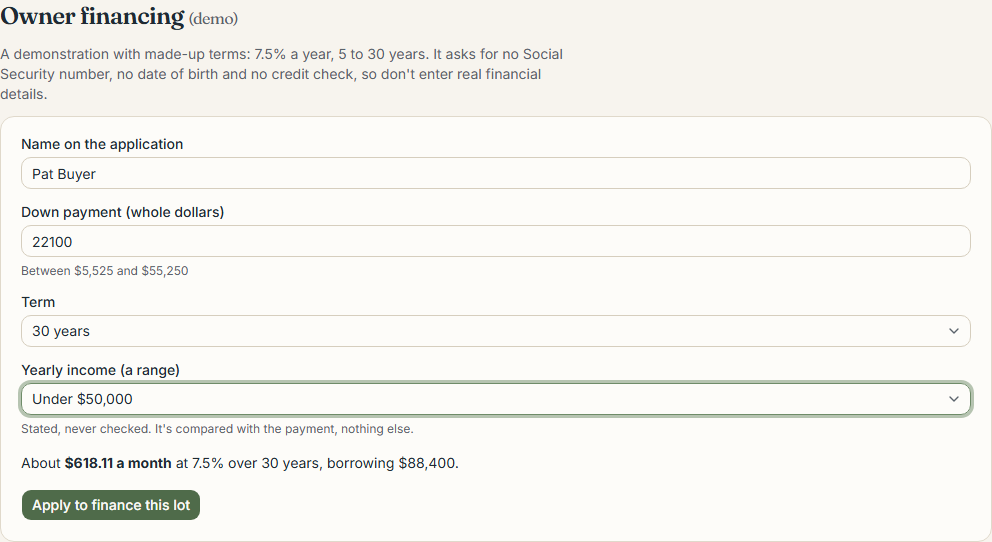
Some owners sell lots on their own terms, with the buyer paying them monthly. The demo subdivision shows how that could work in Cornerpin. It's a demonstration only: the terms are made up, nothing is lent, and it appears on no other subdivision.
Signed in, a buyer can apply from an available lot's page with a down payment, a term and a yearly income range. It never asks for a Social Security number or a date of birth, and there's no credit check.
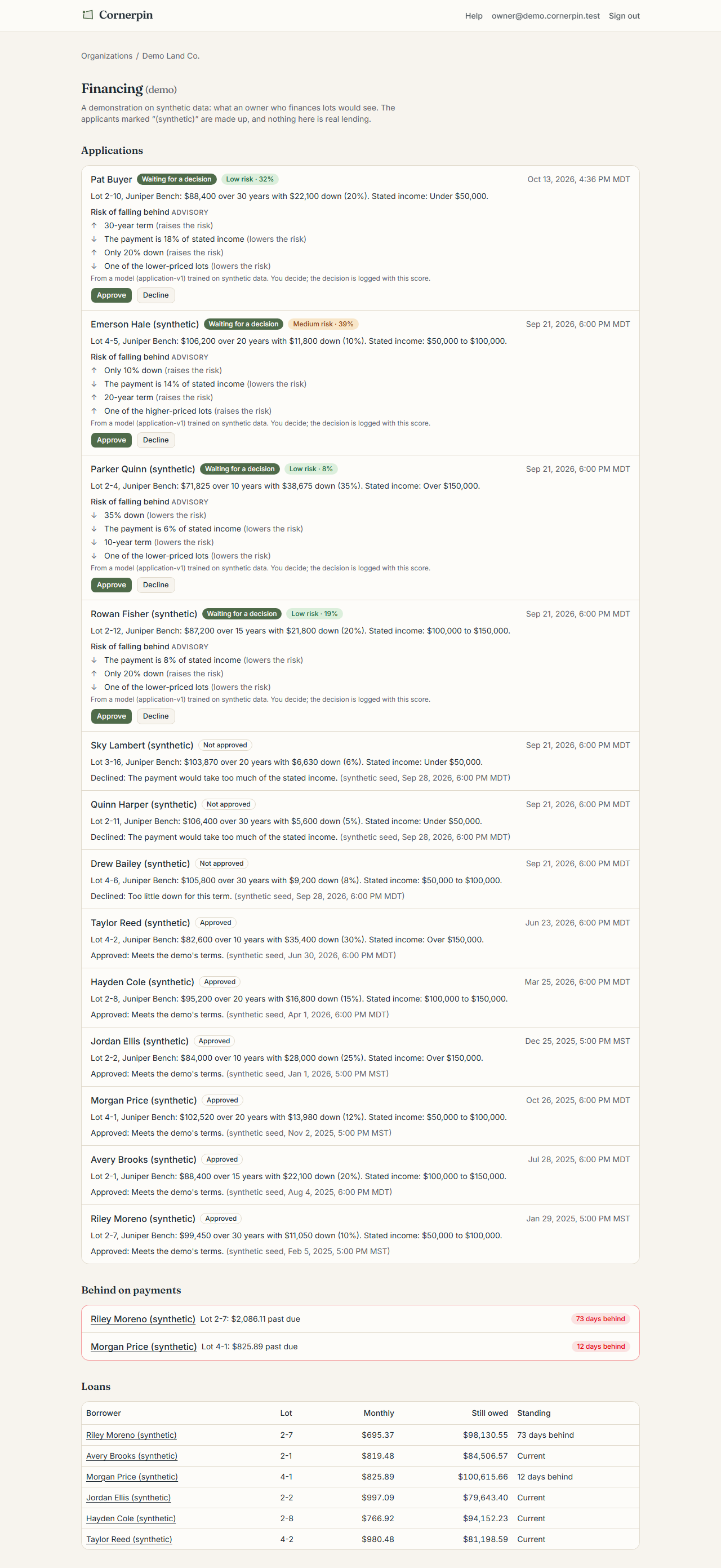
The owner sees each application with an advisory risk of falling behind and its reasons, which look only at the terms and the stated income. The owner approves, or declines with a reason, and the decision is kept with the risk they saw.
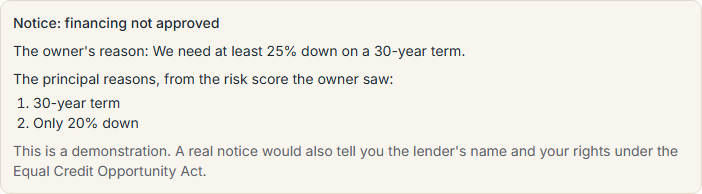
A buyer who's declined sees why on their account page: the owner's reason, and the main reasons from the risk the owner saw.
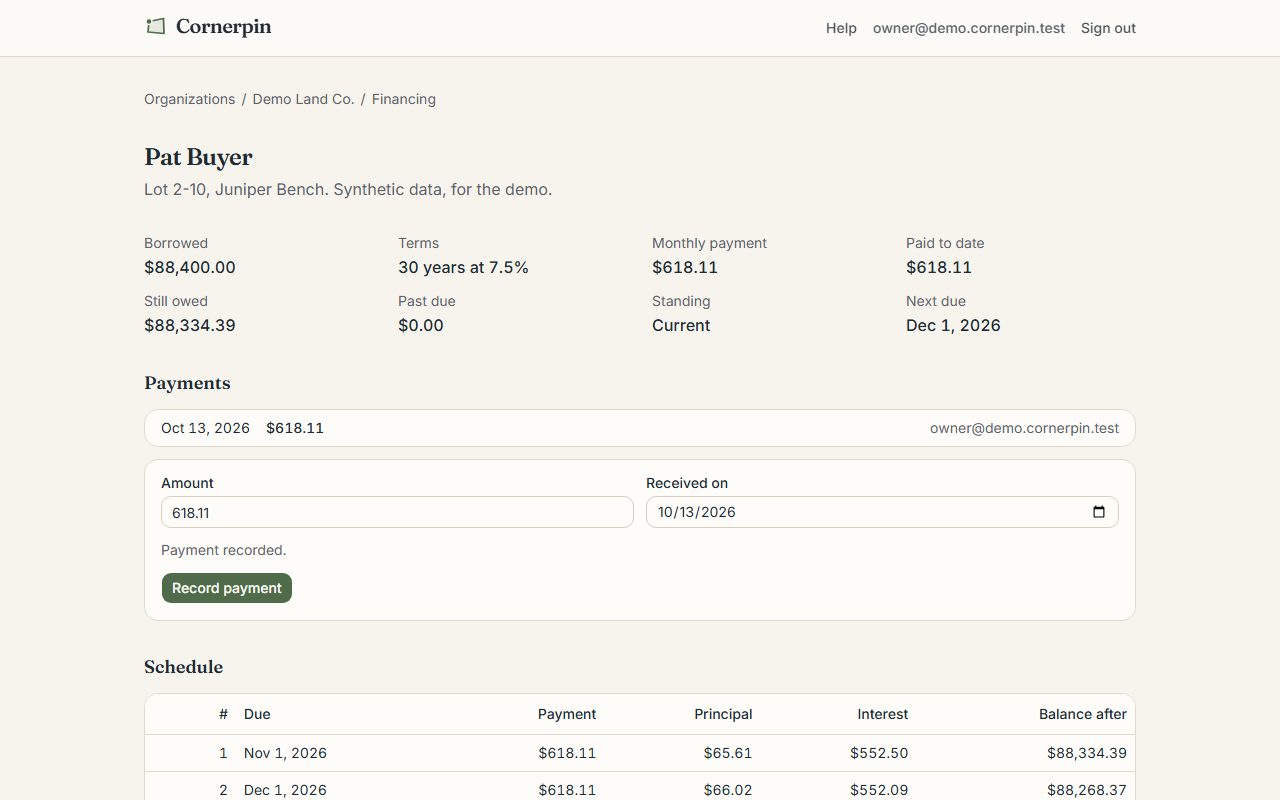
An approval opens a loan with its whole payment schedule. The owner records payments as they come in, and loans that fall behind are listed at the top.
Ready to look around? Open the demo subdivision. Curious what's under the hood? See how Cornerpin is built.